
Planning your Morocco travel budget becomes easier when you can see how your choices affect the total. A guided tour, a local activity and a private transfer each have their own pricing method, especially when you are traveling with a partner, family or group.
The Morocco Trip Cost Calculator brings those selections into one estimate. Enter your trip details, explore the service catalog and review your costs in MAD, EUR, USD or GBP. You can adjust your selections, compare them with a budget goal and download a PDF summary before requesting a confirmed quote.
The calculator uses listed service prices. Your final arrangements and availability are confirmed with Visit Morocco Together.
How to Use the Calculator
1. Enter your trip details
Start with the number of travelers and the length of your trip. The form supports between one and 50 travelers, with a trip length of one to 60 days.
The traveler count applies to every selected tour and activity. Trip length is used to calculate the estimated cost per group per day.
You can also enter an arrival date and choose a main destination. The arrival date suggests a seasonal view, while the destination helps narrow the service list.
2. Explore tours, activities and transfers
Choose the relevant service tab to browse the catalog. The current inventory contains 743 tours, 500 activities and 44 priced transfer directions.
Use the search field to find a service or place. Depending on the selected tab, you can refine the results by:
- Destination.
- Tour category.
- Listed duration.
- Price band.
- Minimum and maximum displayed price.
- Transfer origin and destination.
- Transfer vehicle type.
You can also sort services by price from low to high or high to low. Select Show more services to continue browsing the results.
3. Read the service details
Open Details & inclusions before adding a service. Where information is available, the card displays group details, inclusions, exclusions or transfer route information.
Activity cards marked Catalog price identify prices recorded from catalog listings where a separate detail-page price has not been verified. The expanded details explain that status.
Use the Open source listing link to review the published service information, then confirm availability and any requirements with the team.
4. Add services and adjust quantities
Select Add to trip to include a service in your estimate. Adding the same service again increases its quantity.
Within your selections, you can increase or decrease quantities, remove services and change the vehicle type for a selected transfer. Quantities support values from one to 50.
For tours and activities, quantity repeats the service for the full traveler count. For transfers, quantity represents the number of vehicles.
An Undo option appears briefly after adding, removing or clearing selected services.
5. Review your estimate
The estimate updates as you change your plan. It shows your selected service total, estimated cost per traveler and cost per group per day.
The visual breakdown also shows how much of your estimate comes from tours, activities and transfers. Use it to compare different combinations before deciding which arrangements to discuss with the team.
How the Calculator Works Out Your Costs
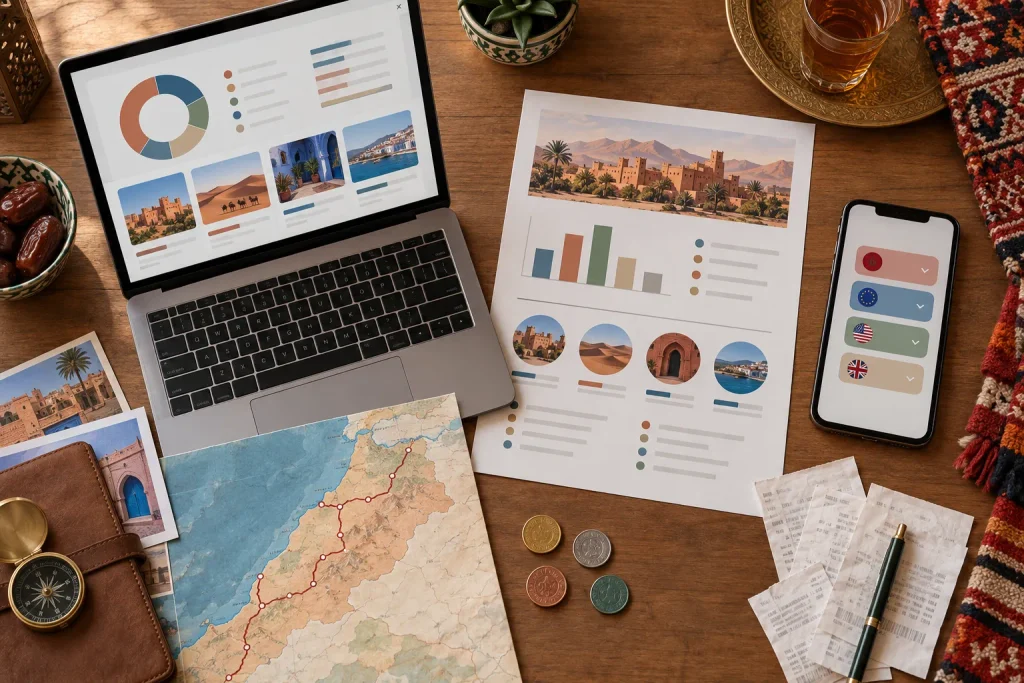
Tours and activities use a per-person calculation. Transfers use a per-vehicle calculation.
| Service | Calculation |
|---|---|
| Tours | Listed price per person × travelers × quantity |
| Activities | Listed price per person × travelers × quantity |
| Private transfers | Selected vehicle price × vehicle quantity |
For example, a per-person activity selected for four travelers is counted four times. One selected private transfer is counted once at the chosen vehicle price.
The calculator then adds the selected service costs together.
Estimated cost per traveler is the selected service total divided by the traveler count.
Estimated cost per group per day is the selected service total divided by the entered trip length.
Changing the number of days changes the daily comparison. Additional services and expenses must be added or budgeted separately.
Understanding Standard, Mid Range and Luxury
The Standard, Mid Range and Luxury options help you explore lower, middle and higher price bands within the catalog.
For tours, the comparison uses the listed tour price divided by its listed day count. For activities, it uses the listed price per person.
These bands describe pricing within the inventory. Read each service’s details to understand its accommodation, transport and inclusions.
Price-band filters are available for tours and activities. Transfers have separate controls for vehicle type, route and price.
Use a Budget Goal to Compare Your Choices
The optional Budget per traveler field lets you enter a spending target for your selected services.
Once you set a goal, the calculator shows whether your selections are below or above it. You can also enable Only show services within my remaining budget.
This filter checks the cost of one additional service unit against your remaining allowance. Increasing quantities later can take the total above your goal, so review the updated estimate after each change.
Your budget goal guides your selections while allowing you to continue comparing different options.
What the Season and Month Controls Do
Choose spring, summer, autumn or winter to update the seasonal illustration. You can also select a month or let your arrival date suggest the season.
For tours and activities, selecting a season hides services explicitly named for a different season. Services without a named season remain available in the filtered results.
Season selection does not change listed prices. Availability for your intended travel dates is confirmed with the team.
Compare Your Estimate in Four Currencies
The calculator supports:
- MAD: Moroccan dirham.
- EUR: Euro.
- USD: US dollar.
- GBP: British pound.
Changing the display currency updates service prices, budget fields, price filters and estimated totals. The underlying service prices remain in EUR.
The calculator requests a reference exchange rate when it loads. If that request is unsuccessful, it uses an indicative fallback rate. The estimate identifies whether the conversion uses a reference or fallback rate.
Converted amounts help you compare your planning figures in a familiar currency.
What Your Estimate Includes
Your estimate includes the tours, activities and transfers you select.
Plan separately for expenses outside those selections, such as international flights, additional accommodation, meals, travel insurance, shopping and personal spending. The calculator does not automatically add a contingency percentage.
A selected tour may already include accommodation, meals or activities within its package price. Check the inclusions carefully to avoid counting the same arrangements twice.
Also review the duration of your selected tours. The calculator displays a warning when a tour lasts longer than the trip length you entered.
Download Your PDF Estimate
Select Download PDF to create a report containing your current planning details and selections.
The report includes:
- Traveler count, trip length and destination.
- Arrival date and travel month, where entered.
- Selected season, price band and display currency.
- Your budget goal, where provided.
- Selected services, quantities and transfer vehicle types.
- Available service inclusions, exclusions and source URLs.
- Category totals and the estimated cost per traveler.
- The exchange rate used for conversion.
- Pricing notes and confirmation guidance.
The PDF provides a separate copy for reviewing your choices with your travel companions or discussing your plans with the team.
When browser storage is available, the calculator can also remember your planning details and selections in the same browser on your device.
Request a Confirmed Quote
Once you have reviewed your estimate, select Plan Your Trip to open WhatsApp.
The prepared message includes your traveler count, trip length, destination, selected season, travel month where provided, estimated total and up to five selected service names.
Attach the downloaded PDF manually when you want the team to review your complete selection.
The confirmed price can be lower or higher depending on availability, group requirements, preferences and the arrangements requested.
Plan your Morocco trip and request a confirmed quote on WhatsApp.
Ready to Experience Morocco?
Turn this inspiration into your next adventure. Our travel experts are ready to help.